DocPack PDF Reader

Features of DocPack PDF Reader
Intuitive User Interface
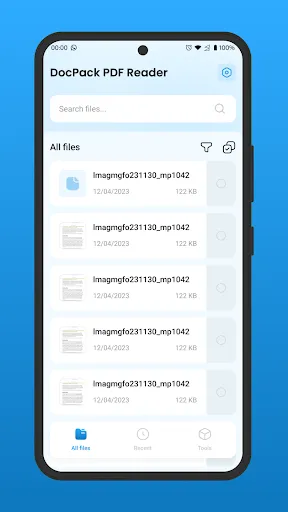
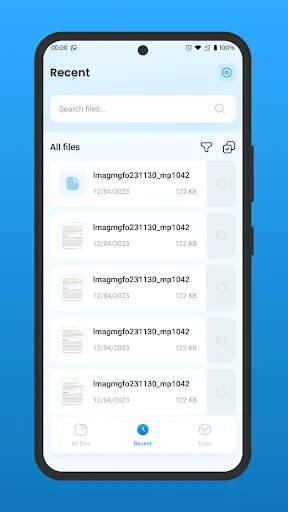
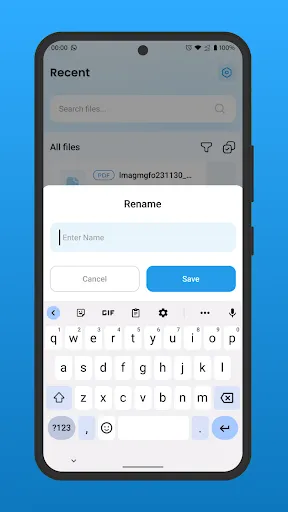
DocPack PDF Reader is designed with user convenience in mind. Its intuitive layout allows users to navigate effortlessly between documents, making it easy to open, read, and manage multiple PDFs without confusion. This streamlined experience enhances productivity for all types of users.
Multiple Annotation Tools
This app comes equipped with a range of annotation tools that enable users to highlight, underline, or comment on important sections within their PDF documents. These features are particularly beneficial for students and professionals who need to make notes and collaborate on files.
Document Merging and Splitting
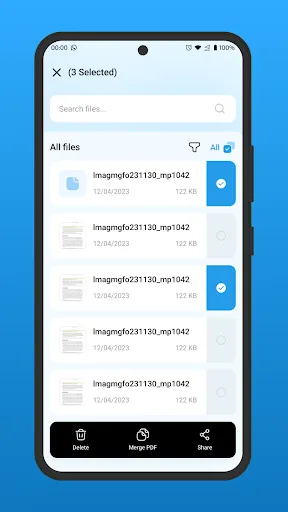
DocPack PDF Reader also allows users to merge multiple PDF files into a single document or split one large document into smaller sections. This flexibility is crucial for users looking to organize their files efficiently, making it easier to share or archive important information.
Ratings
Similar Apps








Top Apps